
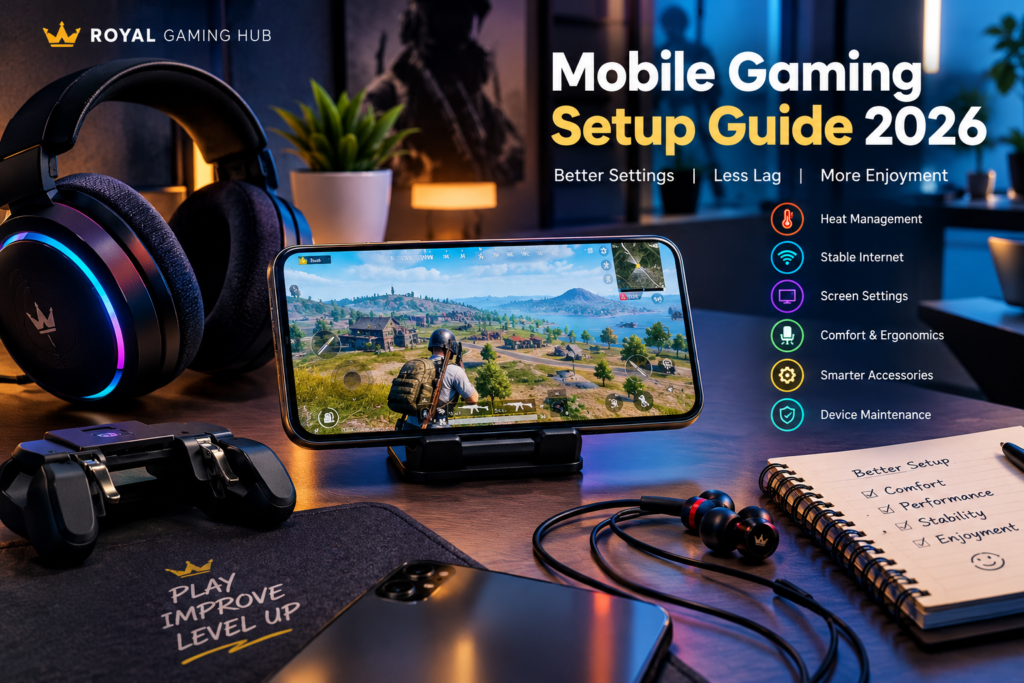
Discover the overlooked factors that affect mobile gaming comfort, consistency, and performance — with practical solutions for every type of gamer.
Introduction
Have you ever wondered why your mobile gaming experience feels different from one day to the next, even when you use the same phone? The reason may not be your gaming skills. Your surroundings, device settings, internet stability, and even the way you hold your phone can influence your experience.
At Royal Gaming Hub, we believe that understanding your setup is just as important as learning a game. This guide explores several overlooked aspects of mobile gaming that players can improve without immediately purchasing a new device.
1. Your Gaming Environment Matters More Than You Think
Many players focus entirely on their phone’s specifications, but their surroundings can also affect comfort and concentration.
A cluttered desk, uncomfortable seating position, or distracting background noise can make longer gaming sessions less enjoyable.
Try these simple improvements:
- Choose a comfortable position that supports your back and arms.
- Keep your screen at a comfortable viewing distance.
- Reduce unnecessary distractions around your gaming area.
- Adjust room lighting to reduce reflections on your display.
- Keep your phone and accessories organized.
A comfortable gaming environment can help you stay focused without requiring an expensive setup.
2. The Hidden Connection Between Heat and Performance
Mobile phones generate heat when running demanding applications. Gaming, charging, high screen brightness, and warm surroundings can increase that heat.
When a device becomes too hot, it may reduce performance to protect its components.
To manage heat more effectively, avoid playing in direct sunlight, remove unnecessary background workloads, and give your phone time to cool if it becomes unusually warm. Follow the manufacturer’s charging and temperature recommendations.
Remember: buying a cooling accessory is not always necessary. First identify whether heat is actually causing your problem.
3. Why Internet Speed Is Not the Whole Story
A fast internet package does not automatically guarantee a smooth online match.
Three factors are worth understanding:
Ping: The time required for data to travel between your device and the game server.
Jitter: Changes in latency over time, which can make the connection inconsistent.
Packet loss: Data that fails to reach its destination, potentially causing interruptions.
If your game feels delayed, test your connection at different times, compare Wi-Fi and mobile data where available, and avoid downloading large files while playing.
A stable connection is often more useful than a high advertised speed alone.
4. Your Screen Settings Can Change Your Experience
Display settings influence visibility, battery consumption, and comfort.
Instead of copying another player’s configuration, consider the following:
- Set brightness according to your surroundings.
- Use a refresh-rate option supported by your device.
- Check whether battery-saving modes restrict performance.
- Keep your screen clean to improve visibility.
- Adjust touch sensitivity gradually rather than making extreme changes.
Different games and devices respond differently to settings, so test adjustments individually.
5. Build a Gaming Setup Around Your Actual Needs
A premium setup is not defined by the number of accessories you own. It is defined by how well those accessories meet your needs.
For example, a player who frequently communicates with teammates may prioritize microphone clarity. Someone who plays for longer periods may value lightweight earphones and a comfortable phone position.
Before buying anything, ask yourself:
- What problem am I trying to solve?
- Is the problem caused by my device, settings, or environment?
- Will this product work with my phone?
- Does it offer a useful improvement for its price?
- Are its warranty and return conditions clear?
This approach helps you avoid unnecessary purchases and choose products more thoughtfully.
6. The Digital Maintenance Routine Most Players Ignore
A few basic maintenance habits can help keep your gaming device in good condition.
- Install system and game updates from official sources.
- Maintain sufficient free storage.
- Review unnecessary background applications.
- Restart your device when troubleshooting persistent problems.
- Back up important information before major software changes.
- Avoid unofficial tools that promise impossible performance boosts.
Never share account passwords or verification codes with third-party services claiming to improve your game.
7. What Will Mobile Gaming Setups Look Like Next?
Mobile gaming continues to develop through improvements in display technology, mobile processors, network infrastructure, and gaming accessories.
However, the newest technology is not automatically the right choice for every player. Compatibility, reliability, repair support, and affordability remain important.
The smartest approach is to understand your current needs first and upgrade only when a new product offers a meaningful benefit.
Frequently Asked Questions
Does a more expensive phone always provide a better gaming experience?
Not necessarily. Performance, software optimization, cooling, network conditions, and the games you play all matter.
Can background apps affect gaming performance?
They can consume memory, processing resources, battery power, or network bandwidth. Closing unnecessary apps may help on some devices.
Why does my game lag even with fast internet?
Latency variation, packet loss, server distance, congestion, and Wi-Fi interference can all contribute to lag.
Should I buy gaming accessories before upgrading my phone?
Identify the actual problem first. An accessory may improve comfort or audio, but it cannot fix every hardware or network limitation.
How can I find more practical gaming information?
Visit Royal Gaming Hub for original gaming articles, device setup guidance, accessory comparisons, and useful information for mobile gaming enthusiasts.
Conclusion
A better mobile gaming experience does not always require a new phone or expensive accessories. Understanding heat, connection stability, screen settings, and physical comfort can help you identify problems and make smarter decisions.
At Royal Gaming Hub, our goal is to make gaming knowledge easier to understand so players can build a setup that suits their needs, preferences, and budget.
Play smarter. Understand your setup. Make every upgrade count.https://royalgaminghub.online/about-us-royal-gaming-hub/